Find time for your health
fused with AI

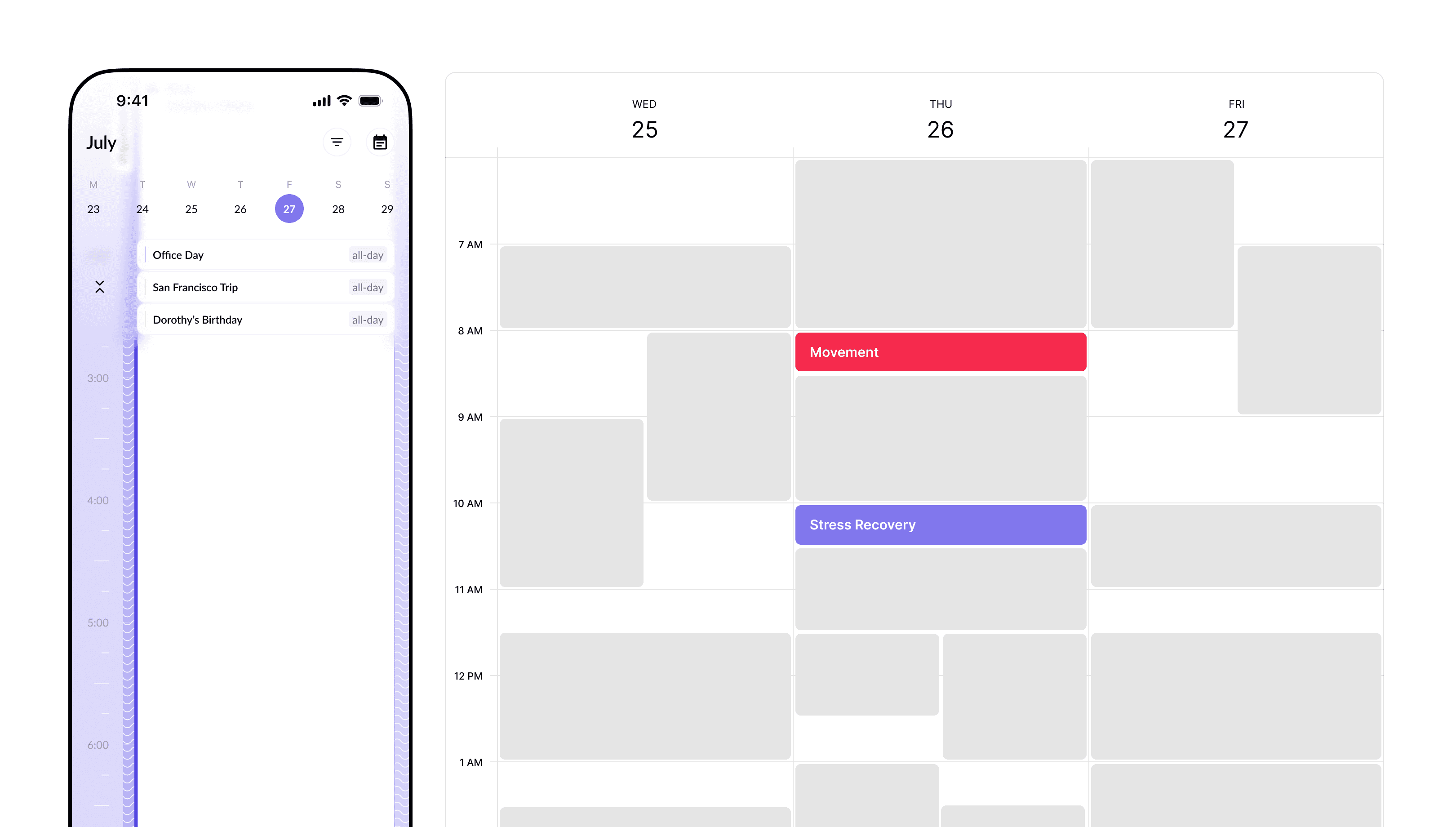
FusionHealth unifies your health data and your calendar to surface the best moments for movement, meals and recovery.

FusionHealth unifies your health data and your calendar to surface the best moments for movement, meals and recovery.

Fuse the following data for meaningful insights


AI finds time that fits your life

Your calendar + your energy patterns = the right time to act not another plan you'll ignore.

Health copilot that dynamically adjusts to your needs

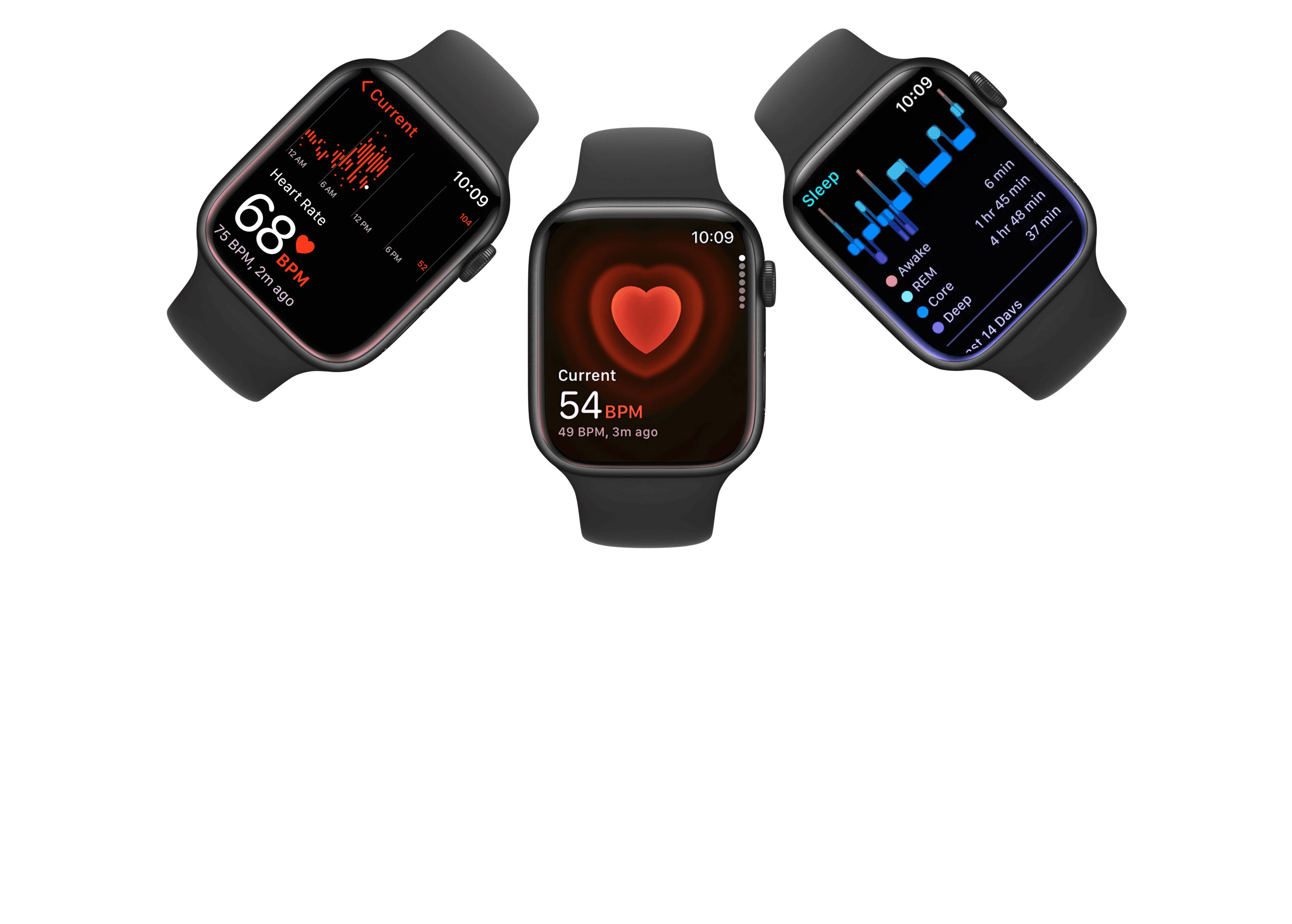
Connect Apple Health, wearables, and labs to see one clear picture of your body and routine.

Monitor your growth as you go

Every action improves the next suggestion. Momentum you can feel, not guess.

Privacy first

Privacy first

Encrypted by default. You control connections and sharing.

Encrypted by default. You control connections and sharing.

Personalized AI

Personalized AI

Learns your rhythm and context not generic tips.

Learns your rhythm and context not generic tips.

Seamless Sync

Seamless Sync

Works with your calendars and devices automatically.

Works with your calendars and devices automatically.

How private is my data?

To add a video to your site, click the “Insert” button and navigate to the “Media” section. Then, drag and drop a video component onto the Canvas.

Does it work without a smartwatch?

To add a video to your site, click the “Insert” button and navigate to the “Media” section. Then, drag and drop a video component onto the Canvas.

Is there a free version?

To add a video to your site, click the “Insert” button and navigate to the “Media” section. Then, drag and drop a video component onto the Canvas.

Which calendars are supported?

To add a video to your site, click the “Insert” button and navigate to the “Media” section. Then, drag and drop a video component onto the Canvas.

How private is my data?

To add a video to your site, click the “Insert” button and navigate to the “Media” section. Then, drag and drop a video component onto the Canvas.

Does it work without a smartwatch?

To add a video to your site, click the “Insert” button and navigate to the “Media” section. Then, drag and drop a video component onto the Canvas.

Is there a free version?

To add a video to your site, click the “Insert” button and navigate to the “Media” section. Then, drag and drop a video component onto the Canvas.

Which calendars are supported?

To add a video to your site, click the “Insert” button and navigate to the “Media” section. Then, drag and drop a video component onto the Canvas.

Start your health journey today

Take our short 3-minute quiz to understand your daily rhythms and sync your life.